Referenceur Digital Academy

Structured Learning Paths for Software Development

Our curriculum is built around practical programming modules, from core language fundamentals to software engineering principles. Each track combines guided exercises, code reviews, and project-based assignments so you can apply what you learn immediately.

How Our Learning Path Works

From your first inquiry to a completed technical module, each step is structured to keep you moving forward without guesswork.
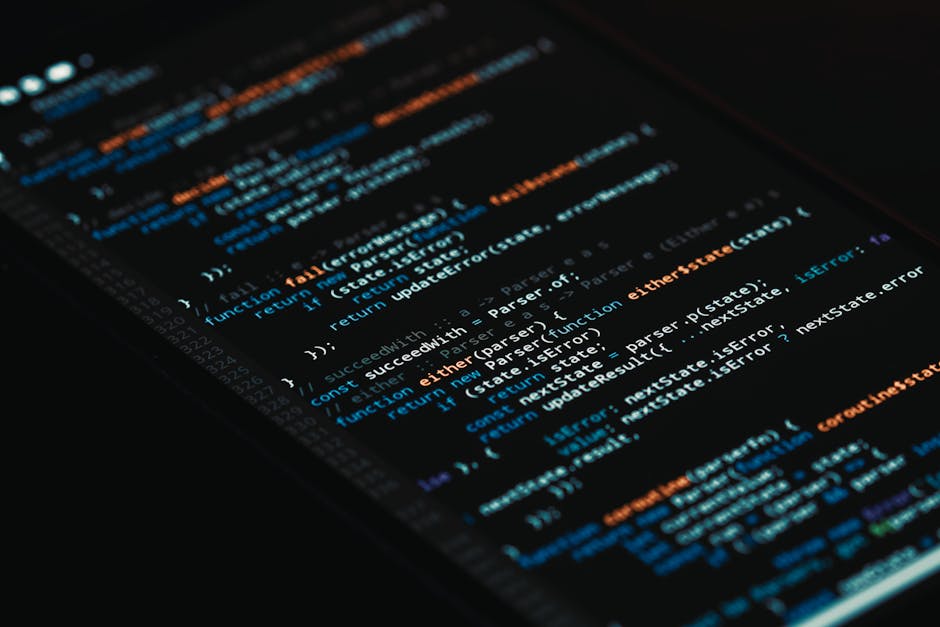
Laptop displaying programming code and a learning interface

Submit Your Learning Goal

Diagnostic Skills Check

Custom Module Selection

Hands-On Coding Exercises

Project Review and Feedback

Progress Certificate

Ready to start your first project?

One focused step: pick a module, open the editor, and write your first lines of code.

The academy’s learning path is built around practical exercises. Each module ends with a small, real-world task — a script, a component, or a command-line tool. You don’t need to plan a full curriculum; just begin with the next lesson and build from there.

Explore the modules

Scope and Definitions

This section clarifies how Referenceur Digital Academy structures its learning materials, what each module covers, and the conditions under which certificates and course access are granted. Read these notes before enrolling so there are no surprises about format, prerequisites, or completion requirements.

Common Questions About the Academy

Straight answers about how our modules work, what you need before starting, and how progress is tracked.

No. Each module is self-contained and can be taken in any order. That said, the fundamentals track is recommended first because later modules assume you know variables, loops, and basic data structures. If you already write small programs, you can jump straight into the software engineering module.

Do I need to complete the modules in a fixed sequence?

You need a computer with a modern browser and a code editor. For the Python and JavaScript tracks, we provide setup guides for Windows, macOS, and Linux. No paid software is required; everything we reference is open source or has a free tier.

What tools or software do I need before starting?

Each module ends with a practical project and a short self-assessment. You submit your project through the course dashboard, and the review team checks it against a clear rubric. Feedback is usually returned within three working days.

How is my progress evaluated?

Yes. The curriculum is updated twice a year to reflect changes in tooling and industry practice. Recent revisions covered modern CSS layout techniques, Git branching strategies, and testing patterns for web applications.

Are the learning materials kept up to date?

You can retake any assessment as many times as you need. There is no penalty for a second attempt, and the review team will point out exactly which criteria were not met so you know what to improve.

What happens if I do not pass an assessment on the first try?

Cookie settings

We use cookies to keep the site reliable, remember basic choices, and understand which pages are useful. You can accept, reject, or review the settings before continuing.